Skip to content
Leadgen AI
Built for the days that don’t slow down

You handle the heat.

We’ll take the first hello.

The crew’s on site. The office is juggling callbacks. The phone keeps ringing. Here’s where an AI receptionist can take a little off your plate.

Keep your hands on the job. Keep the conversation going.

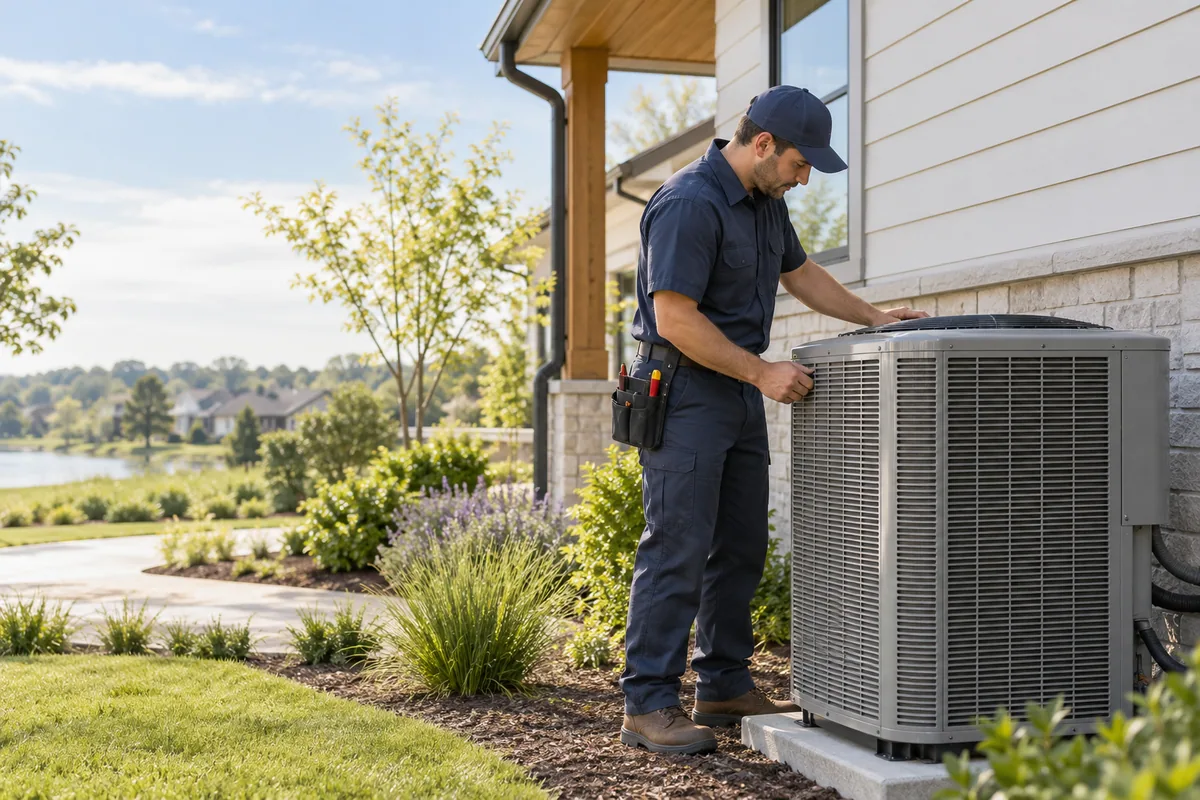
An HVAC technician working on an outdoor air-conditioning unit at a customer’s home

You’re on the job. We’re on the call.

AI receptionist for HVAC businesses

Service enquiries · Callback details · Office appointments

Does this day look familiar?

The jobs are back-to-back.
So are the interruptions.

Follow an example HVAC workday—from the first job to the last enquiry.

  1. Chapter 01

    The first job starts. So does the phone.

    Sound familiar?

    You’re already at a customer’s home. Another homeowner calls about their AC. You can’t put down the tools, and they don’t want to leave another voicemail.

    Example conversation

    Your HVAC receptionist

    Here for the next caller

    “Thanks for calling. Tell me what’s happening with your AC.”

    “It’s not cooling properly. Can someone call me back?”

    Your AI receptionist answers, asks what they need and takes a callback number. You stay with the customer in front of you.

    A new enquiry, not another missed hello.

    Later that day
  2. Chapter 02

    A callback shouldn’t start from zero.

    Sound familiar?

    The office has a name on a scrap of paper. But where’s the property? What system do they have? What were they actually asking for?

    Example conversation

    One request. The useful details.
    Customer
    Sam Taylor
    Service address
    18 Cedar Lane · ZIP 22101
    Equipment
    Heat pump
    Request
    Maintenance enquiry

    Ready for the office to review

    Collect the service address, equipment and reason for the call in the first conversation. Give your office a useful starting point.

    Less chasing the basics. More ready to help.

    Later that day
  3. Chapter 03

    “What time works?” becomes phone tag.

    Sound familiar?

    A customer wants to talk about a replacement system. You call, they’re busy. They call back, you’re busy. Nobody has agreed on a time.

    Example conversation

    An office callback that fits

    10:00 AM11:30 AM2:00 PM

    Office callback confirmed

    Sam Taylor · Thursday, 2:00 PM
    In your business timezone

    With booking enabled, your receptionist checks your calendar and confirms an office callback. Your office still handles technician visits and crew schedules.

    A time to talk, with the details agreed.

    Later that day
  4. Chapter 04

    Your day is done. Their search isn’t.

    Sound familiar?

    You’ve finally sat down for dinner. A homeowner is looking into a new heat pump and calls to ask about your services.

    Example conversation

    An evening enquiry

    Captured for the next working day

    “We’re thinking about a heat pump. Could the office call me in the morning?”

    Installation enquiry · Morning callback preferred

    Welcome the caller, capture their questions and ask when they’d like a callback. Keep the request ready for your next working day.

    Switch off for the evening. Keep the enquiry.

    A better starting point tomorrow
Tomorrow starts with context

Less piecing it together.
More ready to follow up.

Give your office the enquiry, the contact details and the next step together. Let your people make the decisions that need their experience.

What they need

Maintenance, a reported problem or a new installation enquiry.

The details that matter

Customer, callback number, property and equipment.

The next step

An office appointment or a request for your team to follow up.

Your business, your way

Make it sound like your office.
Not a call centre.

  1. 01

    Tell it where you work

    Add service areas, equipment types, opening hours and the questions you hear every day.

  2. 02

    Choose what it handles

    Set your greeting, booking hours and the situations your people should take over.

  3. 03

    Try the first conversation

    Test your receptionist before it answers real callers. Adjust the details until it sounds like you.

A few things your office might ask.

Does it book a technician visit?

It can book an office appointment in your Leadgen AI calendar when booking is enabled. Your office still confirms technician visits, crew assignments and arrival windows. A calendar appointment is not a dispatch.

Can it check whether we cover an area?

Yes. Add your service areas and the work you offer. Questions outside that information can go to your office for follow-up.

Can it diagnose a problem or quote a repair?

No. Use it to collect the details and answer approved business questions. Your qualified team handles diagnosis, pricing and safety advice.

What about urgent after-hours calls?

Provide your approved urgent-contact instructions. Follow-up requests are not an emergency service or a promise of immediate response. Your team decides how those calls should be handled.

Can customers message us, too?

You can connect supported WhatsApp, Instagram and Messenger accounts, and collect enquiries through website forms. Each channel has its own setup. Enable the replies and booking tools you want your agents to use.

Stay on the job.
Stay in the conversation.

Build a front desk around the way your HVAC business actually works.

Get started
Talk to our team